
Case study · Web platform
Philippine Pickleball Academy
Runs PhPA's coach (L1) and referee (R1) certifications end to end: online enrollment, an admin dashboard, a live event-day hub, a phone scoring app and printable IDs.
Visit phpickleball.academy(opens in a new tab)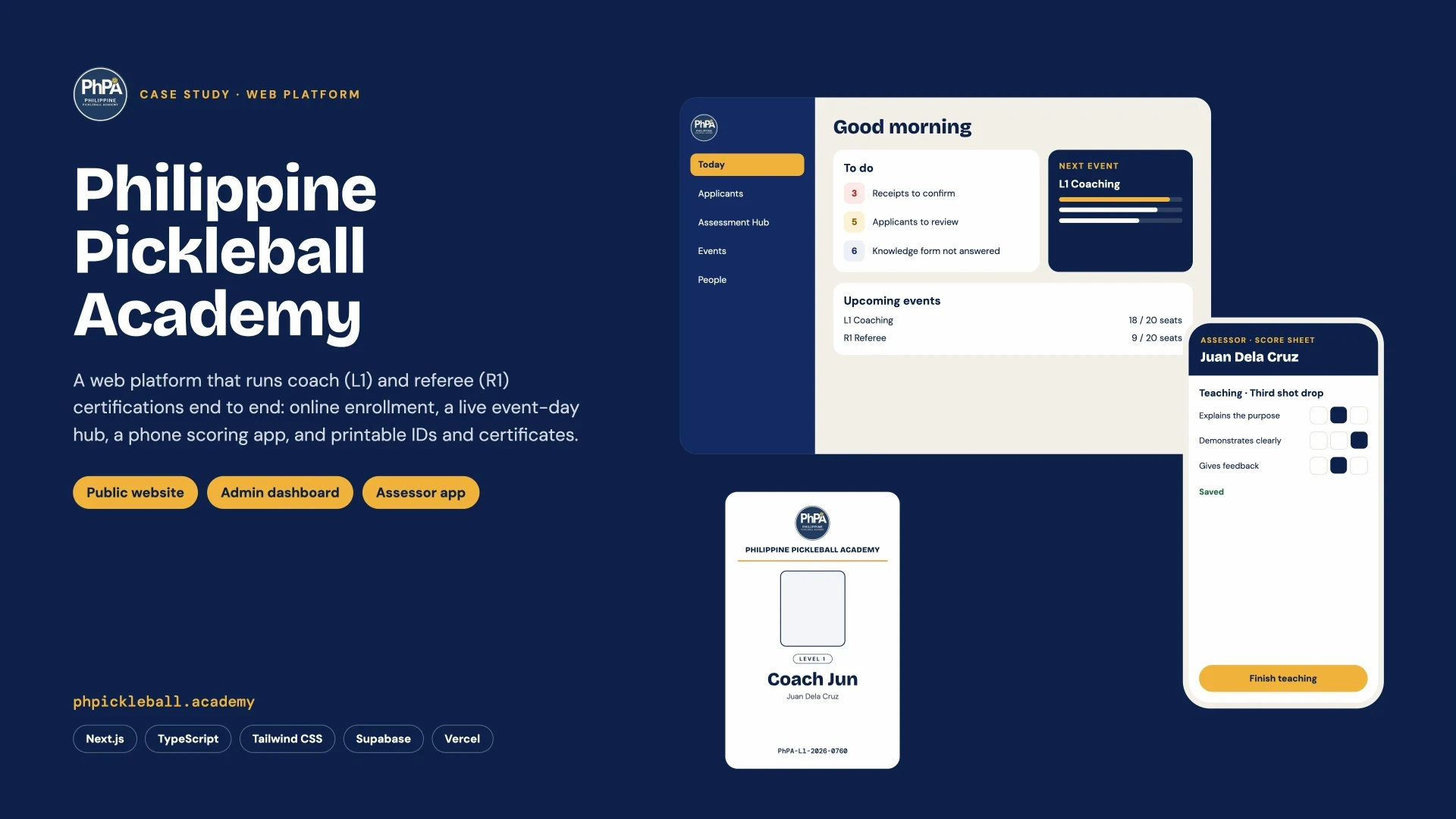
- pull requests
- 150+
- to a working system
- 2 wks
- lines of TypeScript
- 29k
- roles: applicant, assessor, admin
- 3
Overview
PhPA certifies pickleball coaches and referees across the Philippines. The platform takes an applicant from eligibility check and enrollment through payment review, event-day assessment on the assessors' phones, and finally an auto-numbered ID card and certificate — with three roles (applicant, assessor, admin) in one system.
01
Public website
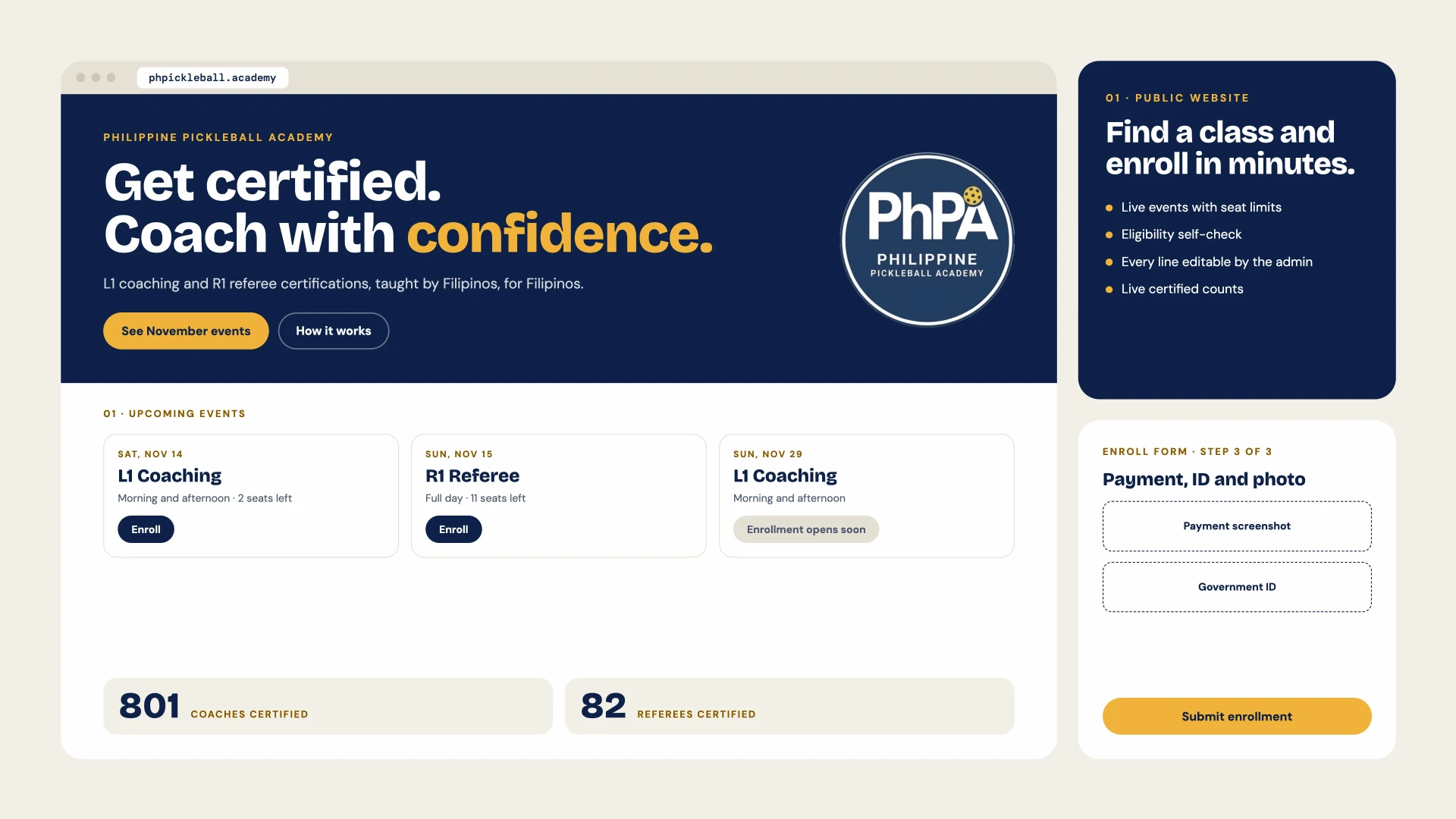
- Home page with upcoming events, how enrollment works, About, photo gallery and contact form
- Live events with seat limits; events can be hidden or shown as “Enrollment opens soon”
- Eligibility self-check before enrolling (L1 and R1)
- Step-by-step enroll form: custom questions, nickname for the ID, payment screenshot, Government ID and ID photo
- Data Privacy consent and a Cancellation and Refund Policy
- Live “coaches certified” and “referees certified” counts
- Every line of the home page is editable from the admin
02
Admin dashboard
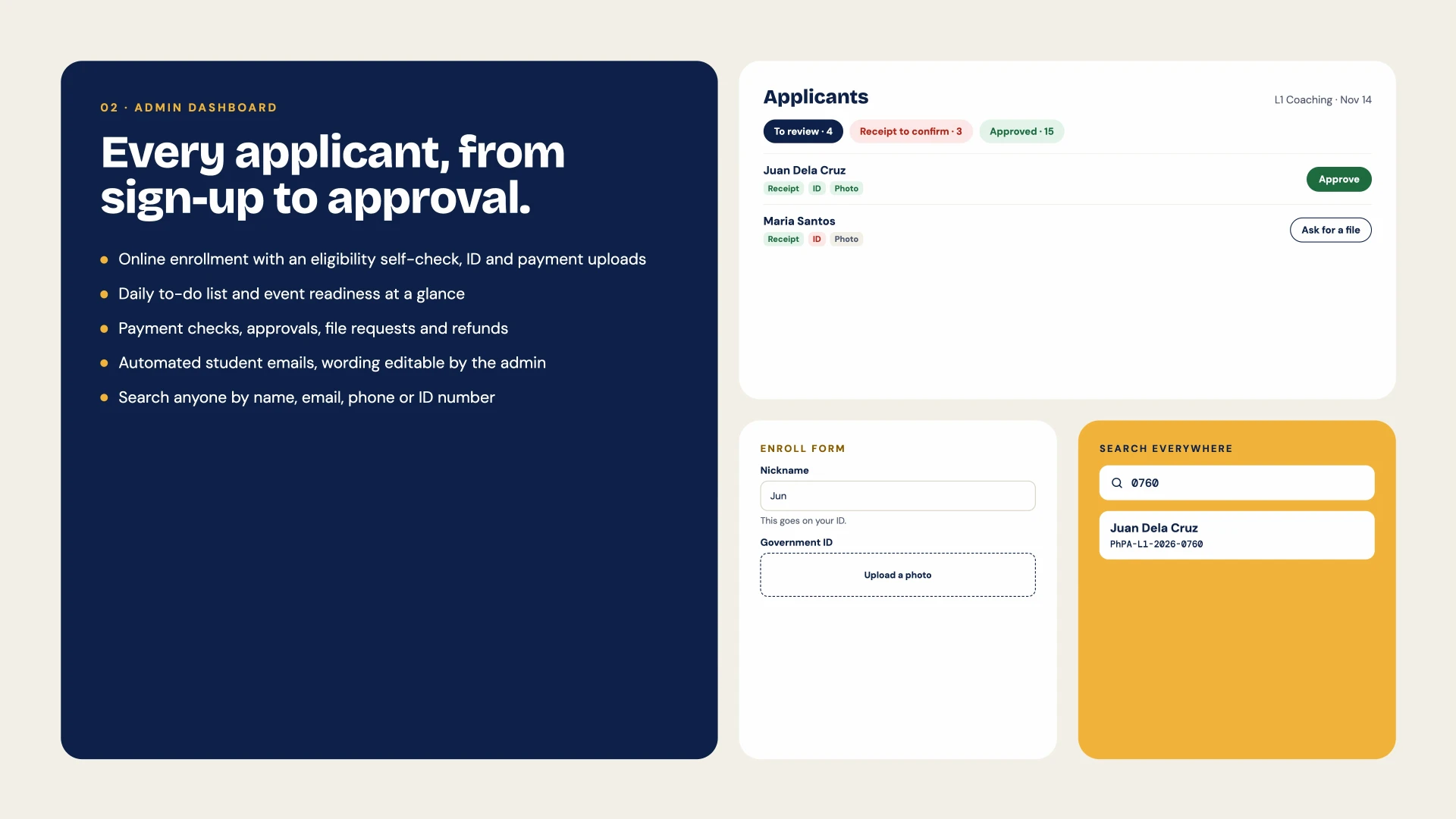
- “Today” page: a to-do list (receipts to confirm, applicants to review, retakes, missing files) and the next event's readiness
- Search anyone by name, email, phone or ID number
- Applicant review: confirm payments, approve or reject, ask for a missing file, refunds and discounts, admin notes
- Each applicant's files at a glance (receipt, ID, photo)
- Event management: seats, fees, sessions, open or closed enrollment
- People list with Coaches and Referees tabs, plus CSV export
- Automated student emails, with wording edited beside a live preview
- Mobile-friendly, with a bottom navigation bar on phones
03
Assessor app and event day
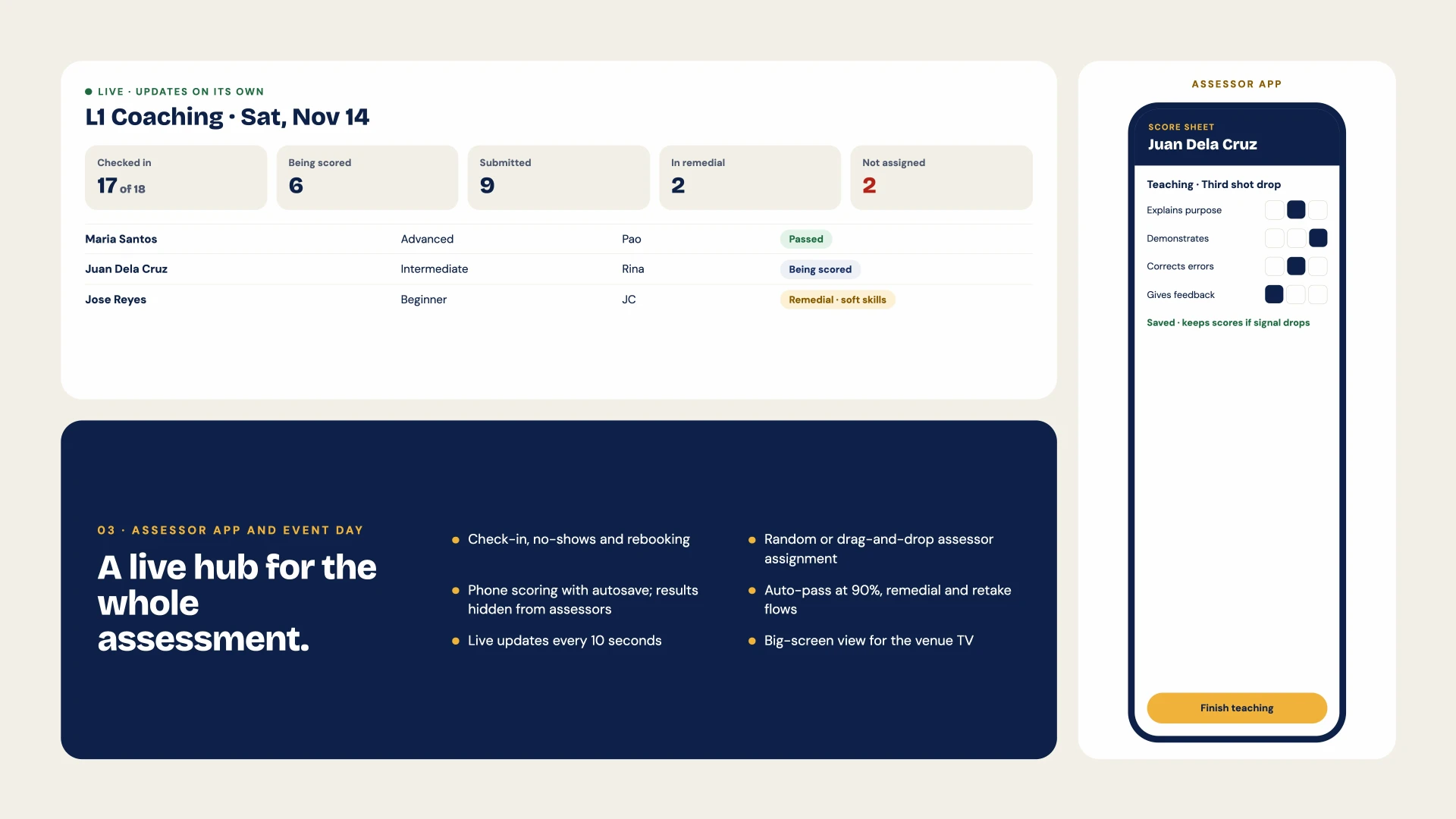
- Live Assessment Hub: check-in, being scored, submitted, in remedial, not assigned
- Attendance with no-shows and self-service rebooking
- Random or drag-and-drop assessor assignment, plus a big-screen view for the venue TV
- Phone score sheet for communication, teaching and on-court skills
- Autosave that keeps scores if the signal drops
- Assessors never see results (students may see their screen)
- Auto-pass at 90%; below the mark goes to remedial coaching for the weaker part
- Retakes by video or a later session
04
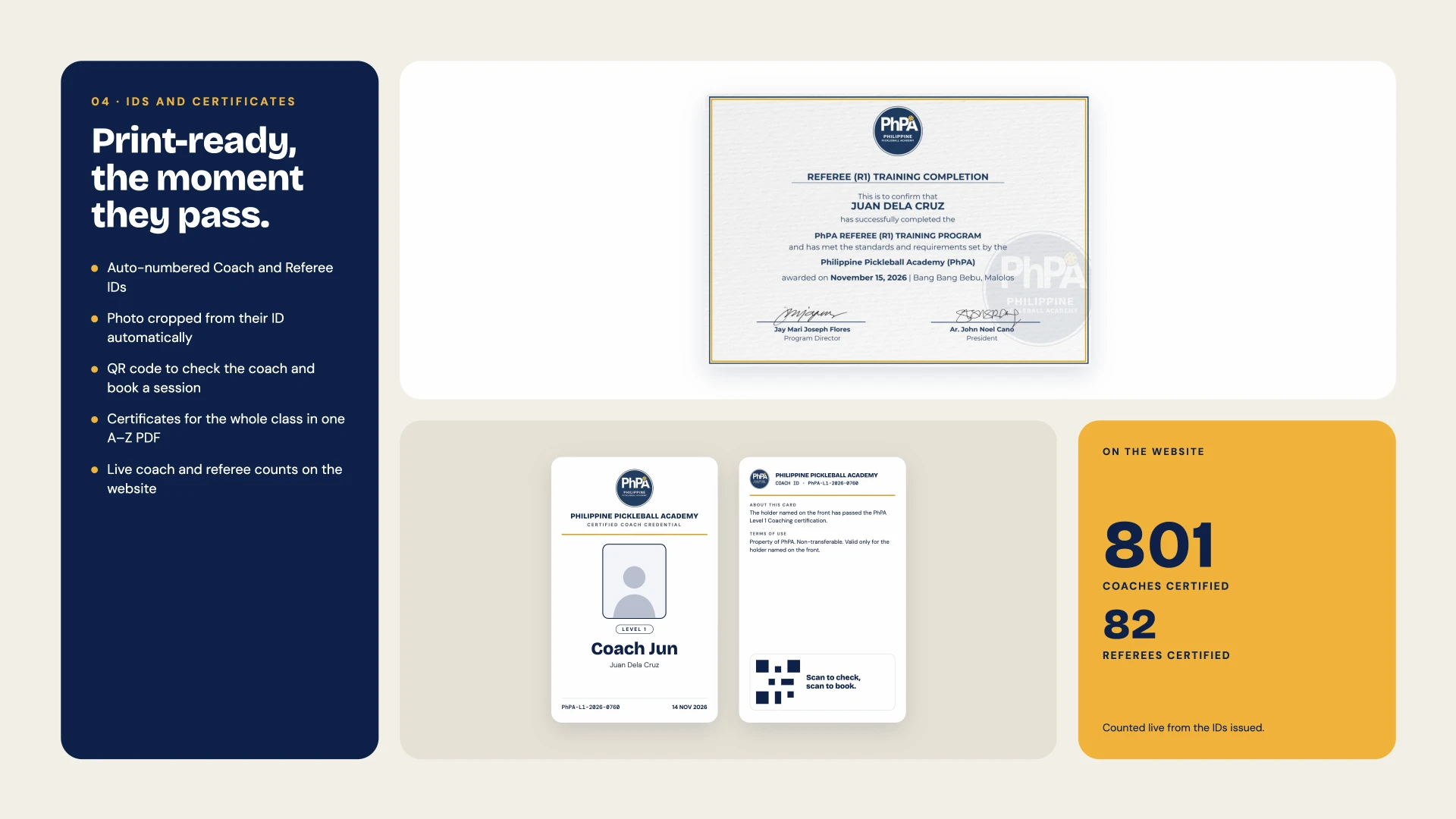
IDs and certificates
- Auto-numbered, print-friendly Coach and Referee ID cards
- Photo cropped from the Government ID in the browser (face detection)
- QR code to verify the coach and book a session on ConnectCoach
- Certificates for the whole class in one A–Z PDF, with separate L1 and R1 templates
Key decisions
No double-booked seats
Seat limits are enforced in the database, not just the form.
Private uploads
Receipts and IDs go straight from the browser to private storage, viewed only through short-lived links.
Scoring built for the court
The score sheet saves after every tap, and the rating math lives in one shared place.
Face crop on the admin's device
No ID image is ever sent to a third party.
Tech stack
Next.js 16 + React 19
TypeScript
Tailwind CSS + Motion
Supabase
PostgreSQL and private storage
Vercel
Resend
Automated student emails
pdf-lib
Class certificates in one A–Z PDF
MediaPipe
In-browser face crop for ID photos
Next project
ConnectCoach